iPhone and iPad
The same look, native
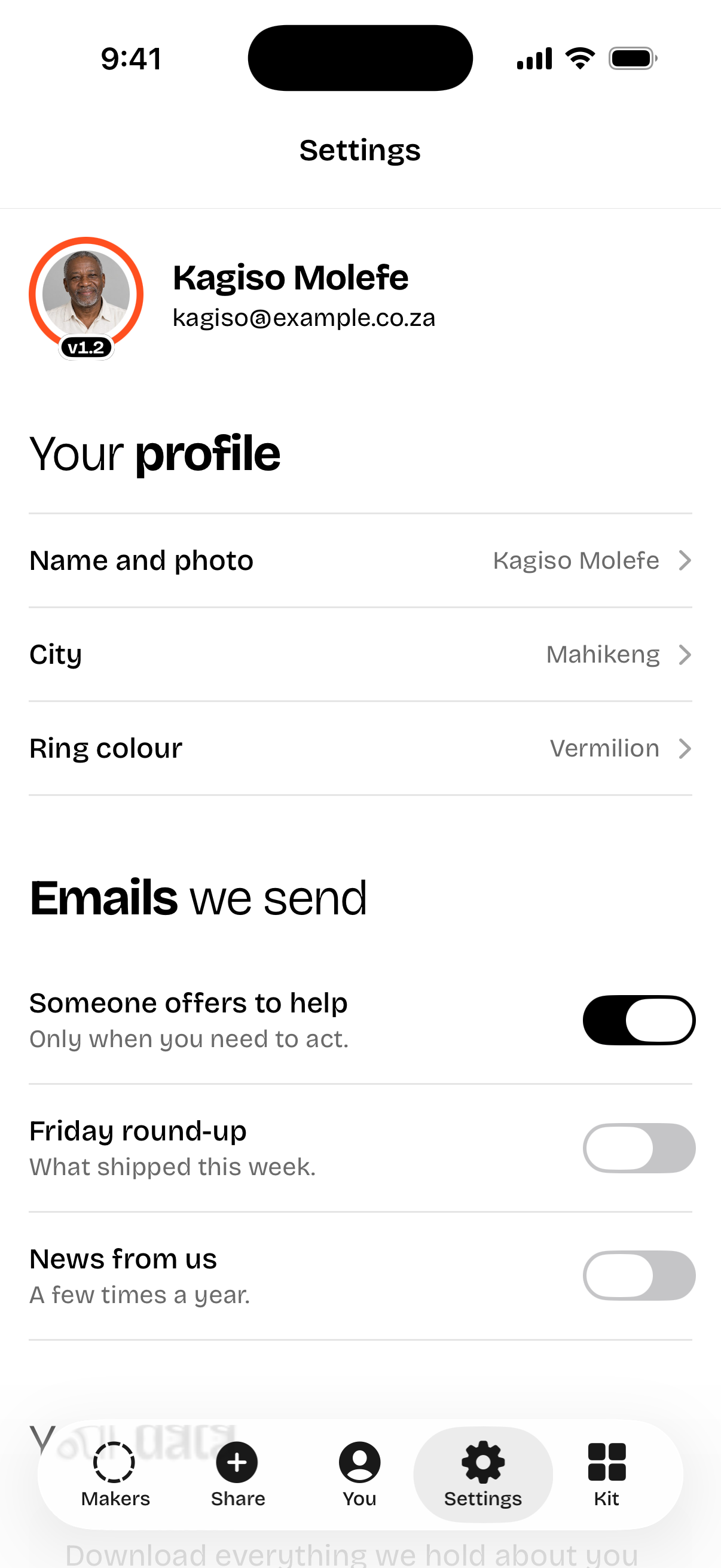
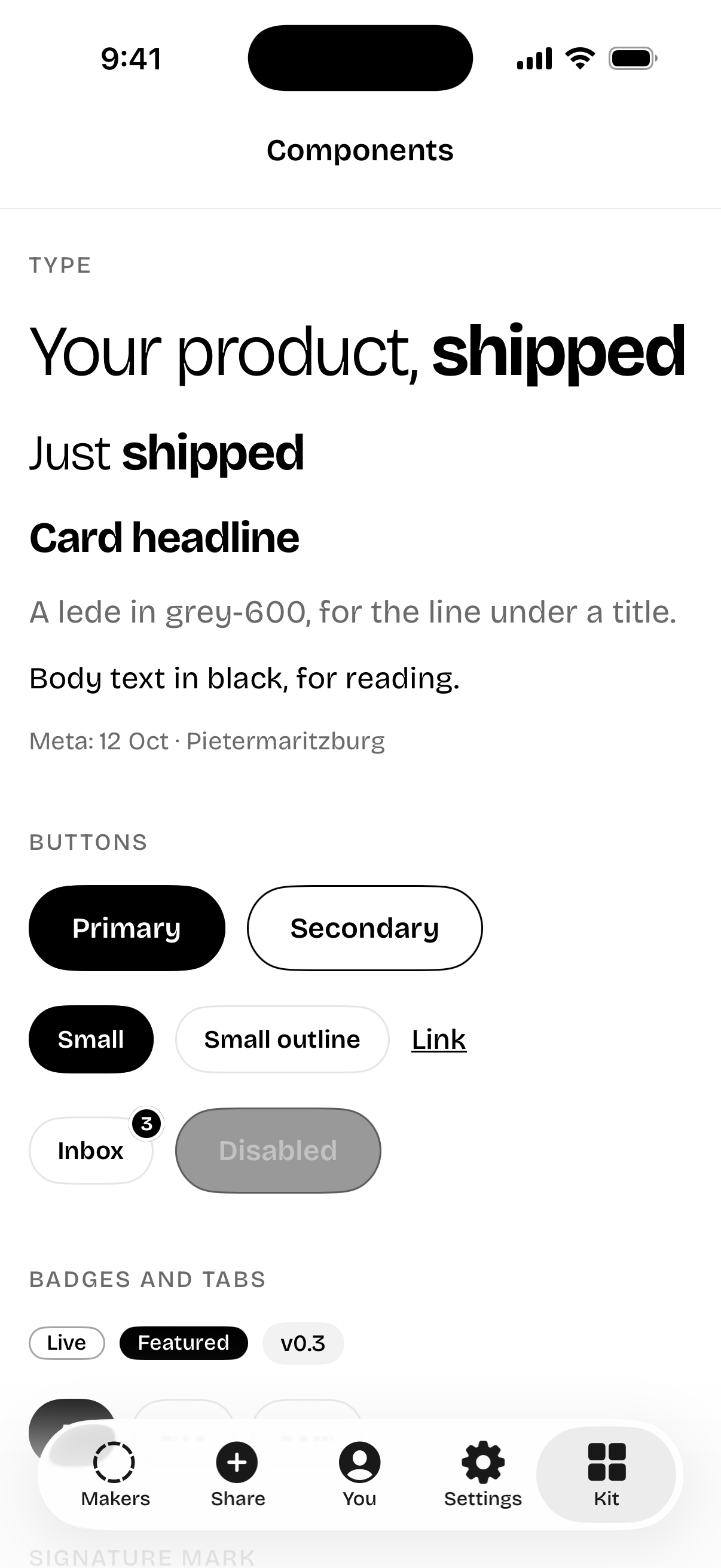
A Swift package for SwiftUI apps on iOS 17 and later. Same tokens, same Bricolage Grotesque, same black pills and signature mark, with system navigation and tab bars kept native.
https://github.com/VenusOne-Lee/distinctuiSix screens
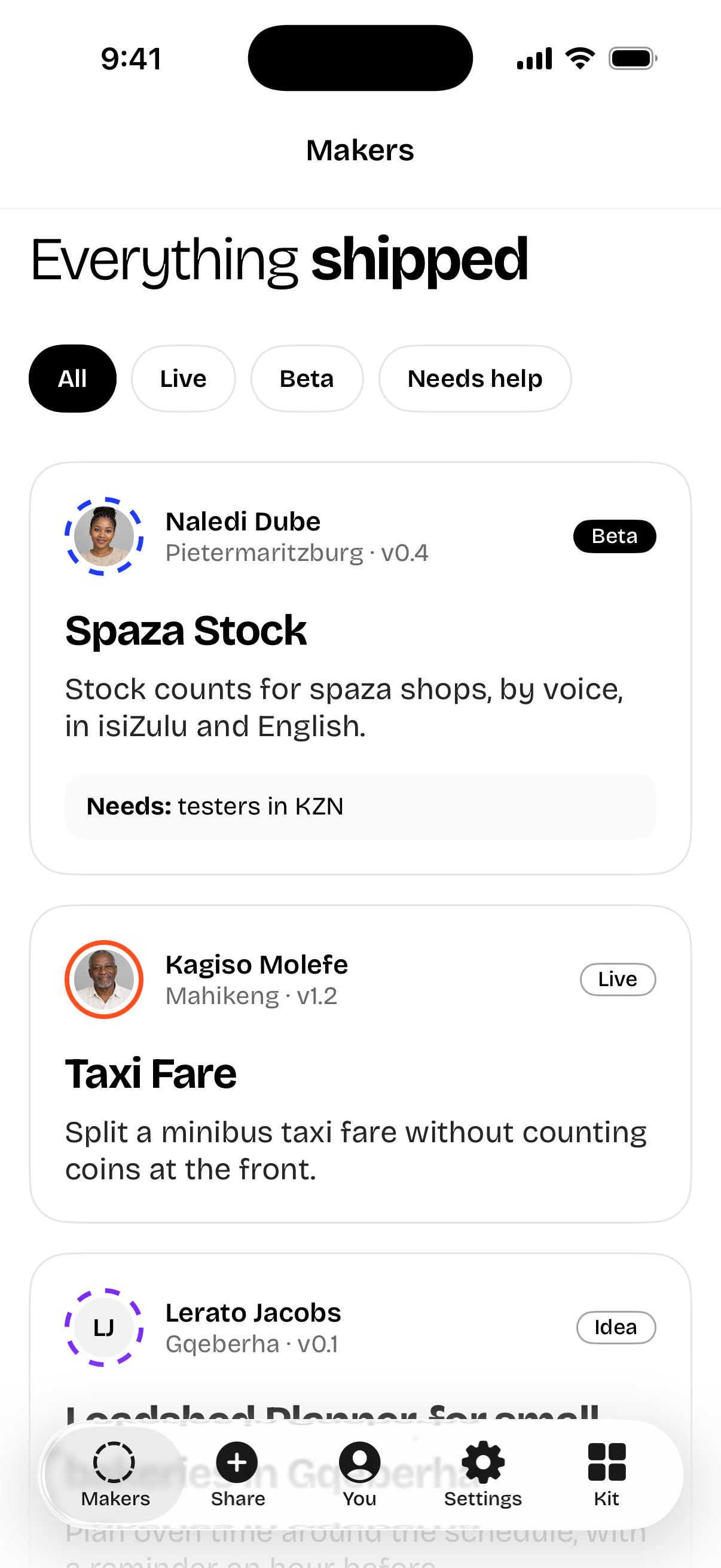
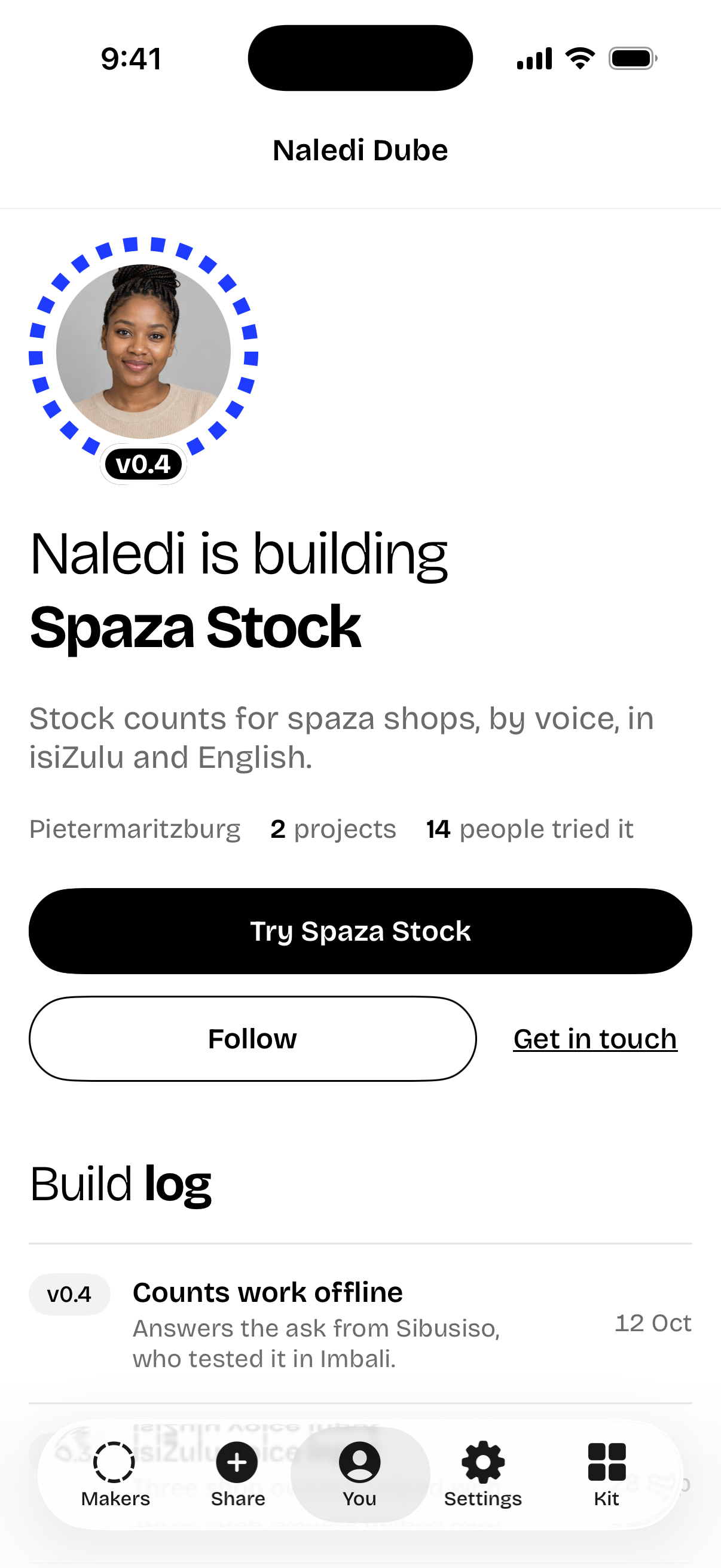
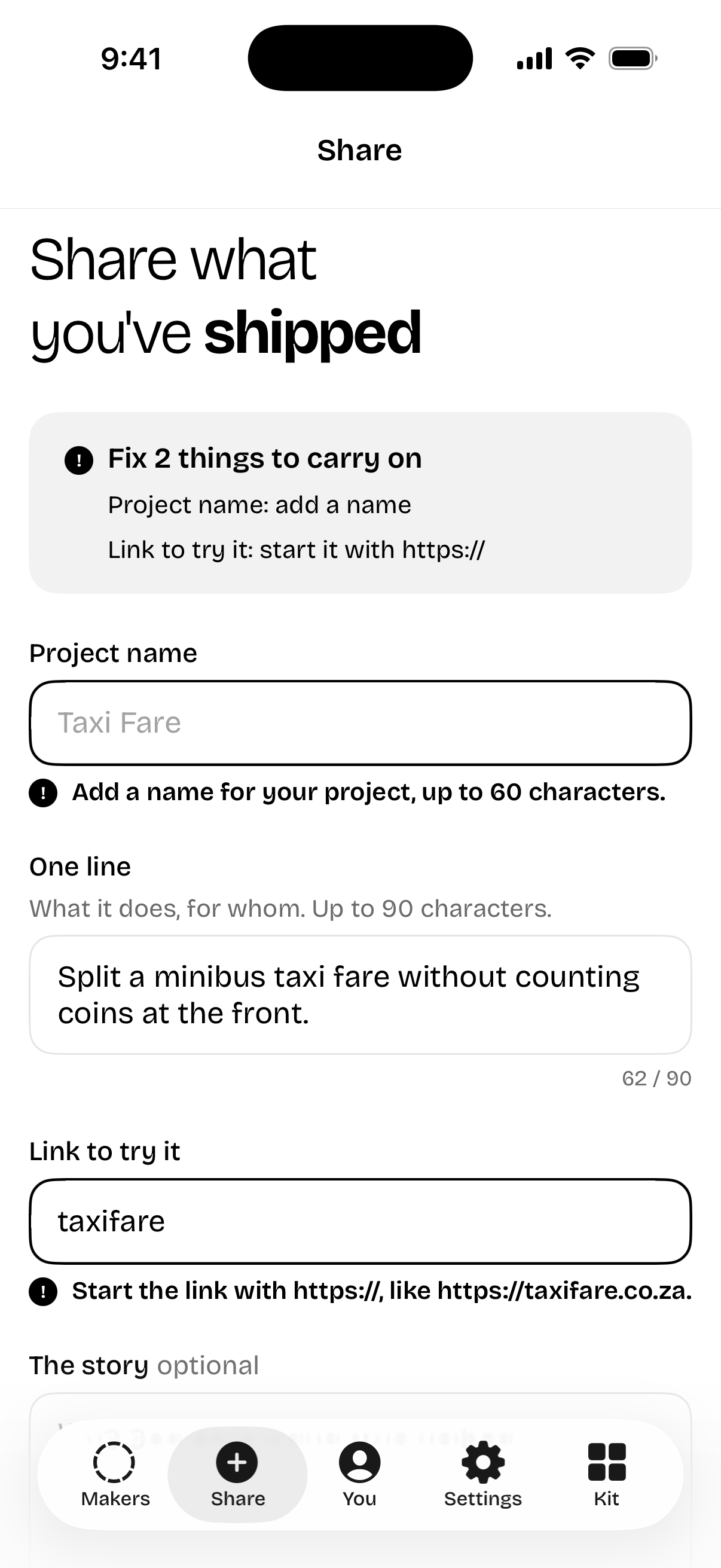
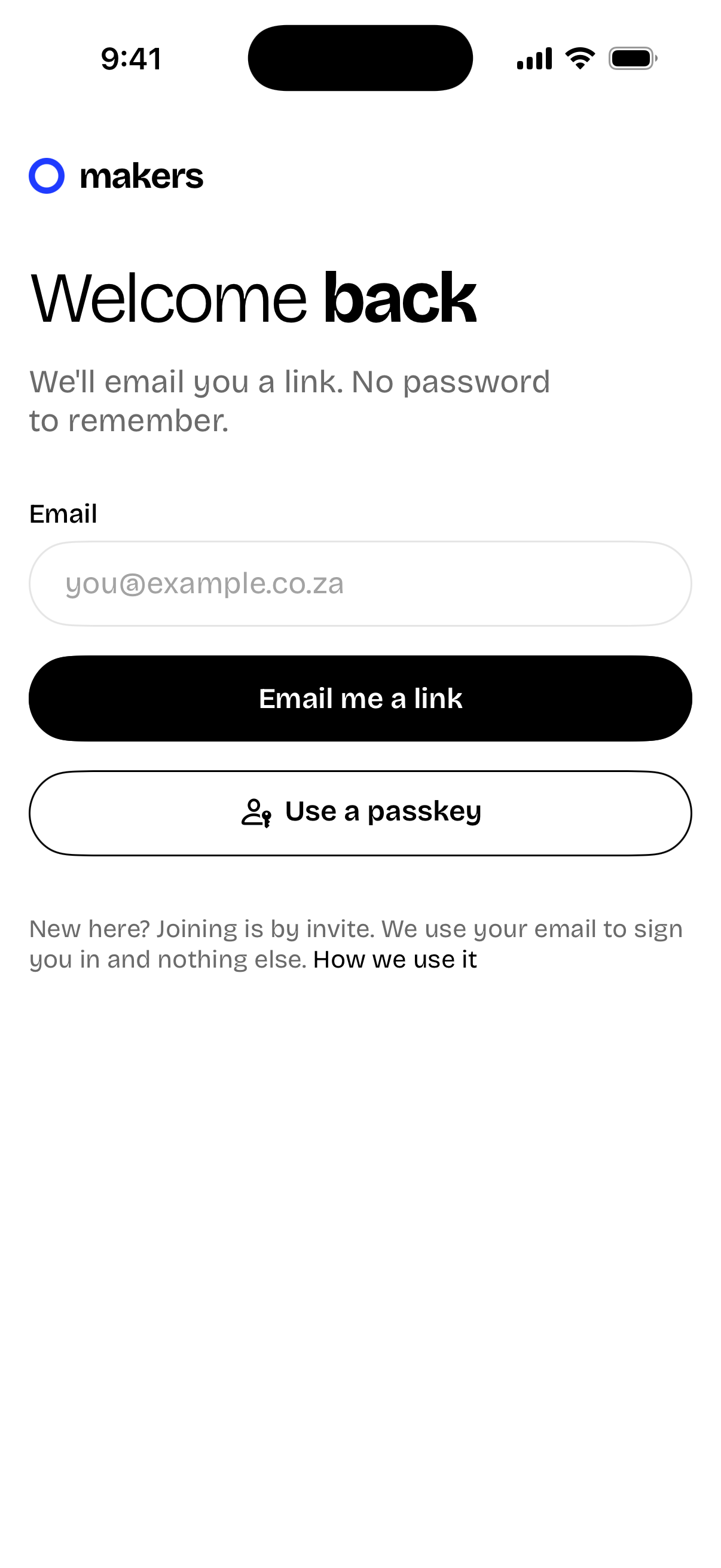
From DistinctUIExamples, in the iPhone simulator. Invented people; the photos are AI-generated and show people who don't exist.
How it reads
import DistinctUI

@main
struct MakersApp: App {
    init() { DUIAppearance.apply() }   // Bricolage and black on the system bars

    var body: some Scene {
        WindowGroup {
            RootView()
                .distinctUI(signature: Color(duiHex: 0x1F3BFF), palette: .signal)
        }
    }
}

DUITitle("Naledi is building", bold: "Spaza Stock")
DUIMark(photo: Image("naledi"), ring: 1, live: false, version: "v0.4", size: 128)
Button("Try Spaza Stock") { }.buttonStyle(.dui(fullWidth: true))
Button("Follow") { }.buttonStyle(.duiSecondary)
Text("**Needs:** testers in KZN").duiNote()
Every web class has a SwiftUI match. The full map is in swiftui.md, which Claude reads when you ask for distinctUI in a SwiftUI project.
What changes on a phone
- 1Light, enforced.
- 2System chrome stays native.
- 3Titles go in the content.
- 4Body is 17pt and everything scales.
- 544pt to tap.
- 6Pressed, not hovered.
- 7No red badges.